


Gang sheets are one of the biggest profit-boosters in the DTF printing business, yet many entrepreneurs leave money on the table by not using them effectively.
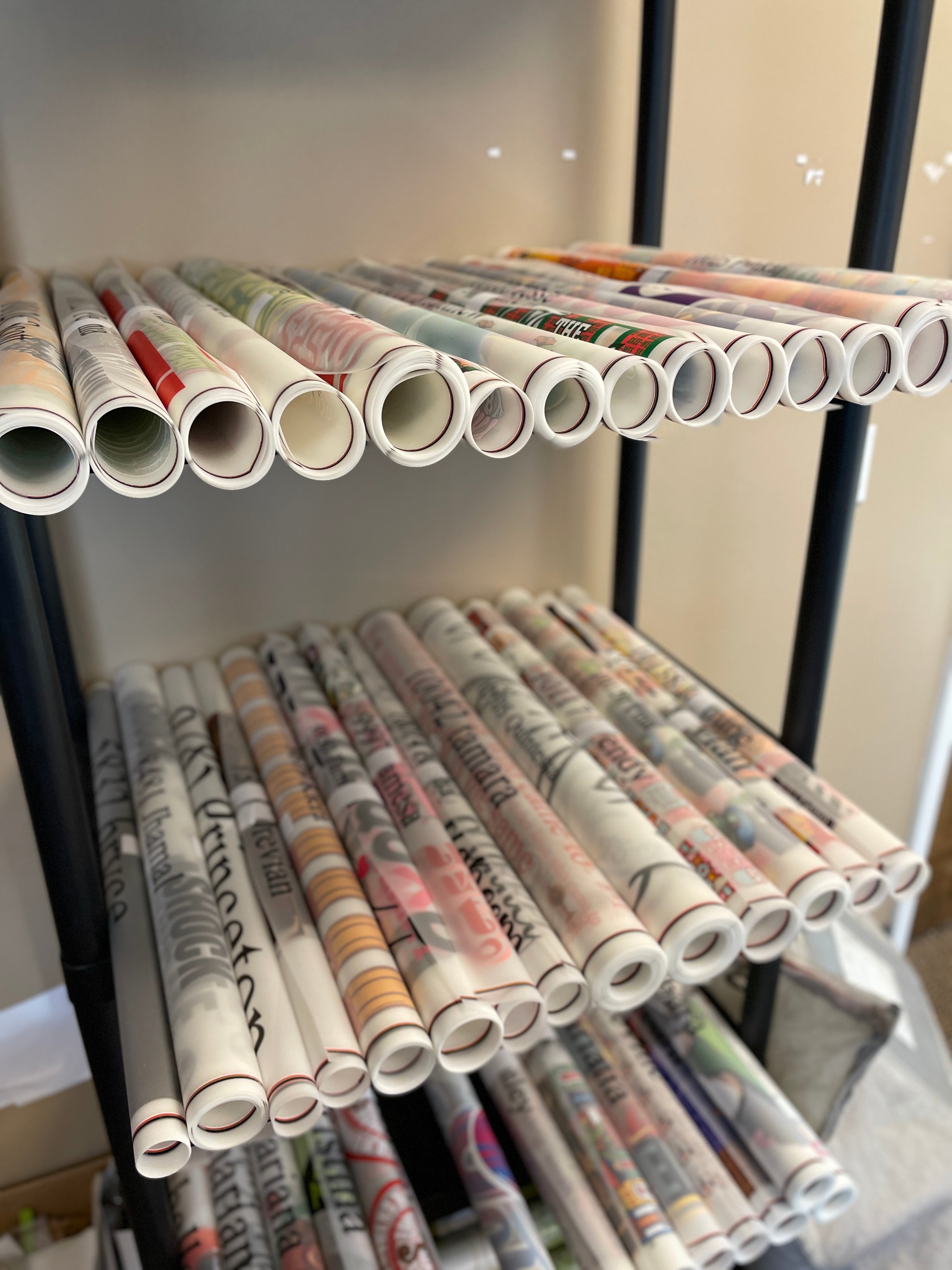
What's a gang sheet? Multiple designs printed on a single transfer sheet, then cut individually. Instead of ordering 10 separate transfer sheets, you gang 10 designs onto one sheet and save up to 60% on costs.
This complete tutorial shows you how to create gang sheets that maximize savings without sacrificing quality.
Why Gang Sheets Matter for Your Margin
Let's look at the economics:
Without Gang Sheets
- Single design transfer: $2.50-4.00
- Minimum order: 5 transfers per design
- Sample pack (10 designs): 50 transfers = $125-200
- Cost per design: $12.50-20
With Gang Sheets
- One gang sheet holds 10-20 designs
- Single sheet cost: $15-25
- Sample pack (10 designs): One sheet = $20-25
- Cost per design: $2-2.50
Savings: 75-80% on sample testing costs.
Even at production scale, gang sheets reduce your per-transfer cost by 30-50%. That's the difference between 200% profit margin and 400% profit margin.
Understanding Gang Sheet Basics
Gang Sheet Dimensions & Layout
Standard DTF transfer sheets are typically:
- A4 size: 8.3" x 11.7"
- 11" x 17": Large format
- Custom sizes: Available from quality suppliers
Each design gets printed, cured, and then cut from the sheet during production.
How Many Designs Fit on One Sheet?
This depends on design size. The key is strategic placement to minimize waste while accommodating your product mix.
Step-by-Step: Create Your First Gang Sheet
Step 1: Prepare Your Files
Before building a gang sheet, have all your designs ready in high-resolution format (300 DPI minimum).
File requirements:
- Format: PNG with transparency or PDF
- Color mode: RGB (not CMYK)
- Resolution: 300 DPI
- No bleeds needed (transfers don't bleed)
Quality matters. A pixelated design on a $0.20 savings isn't worth it.
Step 2: Choose Your Gang Sheet Method
You have three options:
Option A: Manual Builder (Complete Control)
Use design software like Adobe Illustrator or Canva Pro. Create an 8.3" x 11.7" canvas (A4), place designs with 0.2" spacing between each, add 0.3" margin on edges, and export as PDF. Best for designers comfortable with layout software.
Option B: OMO Transfer Auto Builder (Recommended)
OMO Transfer's automatic gang sheet builder handles layout optimization for you. Upload your design files, select desired layout, specify design spacing, and the system automatically arranges designs for maximum efficiency. Best for most users.
Option C: Upload Ready (Fastest)
Pre-design your gang sheet using OMO Transfer's templates, then upload the completed layout. Best for repeat orders or established product lines.
Step 3: Space Your Designs Correctly
Improper spacing causes two problems: designs too close cause ink bleeding, and designs too far apart waste film and increase costs.
Optimal spacing guidelines:
- Between designs: 0.25" to 0.5"
- Edge margins: 0.3" from sheet edge
- Orientation: All designs facing same direction (simplifies cutting)
Step 4: Optimize for Your Production Mix
Different order types call for different strategies.
Sample Testing: Gang 10-15 different designs on one sheet to test market response. Cost benefit: Test 15 designs for $20 instead of $60-75 individually.
Production Orders: Gang identical designs or related variations. Repeat the same design 8 times on one sheet to cover 8 individual orders with identical quality.
Mixed Production: Combine repeat designs with single variations. For example: Design A printed 4 times, Design B printed 3 times, Design C (custom) printed 1 time, Design D printed 2 times. Total: 10 designs per sheet matching your actual orders.
Step 5: Submit to Your Supplier
When ordering gang sheets from OMO Transfer, choose your submission method (Manual Builder, Auto Builder, or upload pre-designed PDF), specify cutting instructions, and confirm production timeline (Standard: 3-5 days, Rush: 1-2 days).
Advanced Gang Sheet Strategies to Save More
Strategy 1: Color-Separated Design Sheets
Print the same design in different colors on one sheet. Single order, one sheet, four colorways. Shows variety without multiple designs.
Strategy 2: Size Variation Ganging
Include the same design in multiple sizes: full back print (8" x 10"), chest print (4" x 4"), and sleeve print (2" x 2"). One order covers multiple sizing options.
Strategy 3: Seasonal Rotation Sheets
Pre-design seasonal gang sheets you reuse yearly:
- Spring sheet: Flower designs, Easter themes
- Summer sheet: Beach, vacation designs
- Holiday sheet: Christmas, Halloween, New Year
Reorder the same sheet every year. Familiar designs, proven sales, maximum efficiency.
Strategy 4: Complementary Product Ganging
Mix product types on one sheet: t-shirt designs, hoodie designs, hat designs, and tote bag designs. Different products, one sheet, one production run.
Common Gang Sheet Mistakes to Avoid
- Too Tight Spacing: Use minimum 0.25" spacing; 0.5" is safer to prevent ink bleeding
- Ignoring Edge Margins: Leave 0.3-0.5" margin on all sides to prevent incomplete prints
- File Size Mismatch: Group similar sizes together to maximize utilization
- Forgetting Cut Lines: Add 0.1" clearance around each design for cutting
- Not Tracking ROI: Track per-unit costs and compare to individual orders
Real-World Gang Sheet Economics
Small Print Shop with 50 Orders/Month
Without ganging: 50 individual designs at $3.50 per transfer = $175/month. With strategic ganging: 10 gang sheets at $1.50 per transfer = $75/month. Monthly savings: $100 = $1,200/year. That extra $1,200 annually is pure profit to reinvest in marketing.
Sample Testing for New Product Line
Without ganging: Testing 20 designs individually costs $80-100 over 2-3 weeks. With ganging: Gang all 20 designs on 2 sheets for $40-50 in just 5 days. Savings: $40-50 and 2 weeks faster to market.
Tools for Gang Sheet Creation
Free/Low-Cost: Canva Pro ($13/month), Adobe Express (free tier), Figma (free).
OMO Transfer Tools:
- Manual Builder - precision control
- Auto Builder - automated optimization
- Template Library - pre-designed layouts
Professional: Adobe Illustrator ($22.99/month), CorelDRAW ($249/year).
Your Gang Sheet Action Plan
Week 1: Download OMO Transfer's gang sheet template, study your current order mix, and identify repeated designs.
Week 2: Design your first gang sheet (5-10 designs) using the auto builder.
Week 3: Submit gang sheet to OMO Transfer and compare per-unit costs.
Week 4: Plan next month's gang sheets based on orders and establish a ganging schedule.
Final Thoughts on Gang Sheets
Gang sheets aren't optional—they're the difference between a hobby and a profitable business. The most successful print-on-demand entrepreneurs treat gang sheets as a core strategy, not an afterthought.
Start ganging today. Your margins will thank you.
Ready to Optimize Your Gang Sheets?
Use OMO Transfer's gang sheet builders to create your first optimized layout. Or upload your ready-to-print design for production.
Access OMO Transfer's Auto Builder →
Maximize your savings with smarter production planning. Start building gang sheets now.